


Frequently asked questions on G2 AI assisted reviews
How does G2 turn a call transcript into a review?
The process uses AI to identify key sentiments and feedback within an organic conversation.
- The Input: You record a call with a customer using a service like Gong or another transcription tool.
- The Conversion: You paste that transcript into the AI Assisted Review Collection tool within the My.G2 admin.
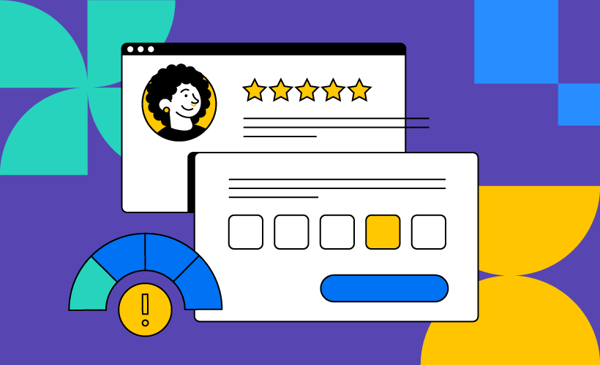
- The Result: G2’s AI generates a high-quality, pre-filled review that includes a title, star rating, and detailed answers to standard "Pros" and "Cons" questions.
Can I edit or approve the AI-generated review before the customer sees it?
Yes. The system is designed with multiple "checkpoints" to ensure accuracy and brand alignment:
- Admin Preview: Once the AI generates the draft, you can preview exactly what the review looks like within the My.G2 portal.
- Email Customization: You can review and edit the email message that will be sent to the customer before clicking "Send".
- Customer Control: The customer receives a link to a short, pre-filled form. They have the final say and can edit any of the AI-generated text before officially submitting it to G2.
What are the best practices for getting these reviews published?
To ensure a high conversion rate from transcript to live review, follow these steps:
- Enable Transcription: Ensure transcription is turned on for all customer calls so you have a library of "organic conversations" to pull from later.
- Set Expectations: Briefly mention the feature to your customer during the call. Let them know they will receive a follow-up link to simply "check and approve" a draft based on your chat.
- Verify the Details: Double-check that you have entered the correct Reviewer Name and Email before generating the final approval link to avoid delivery issues.